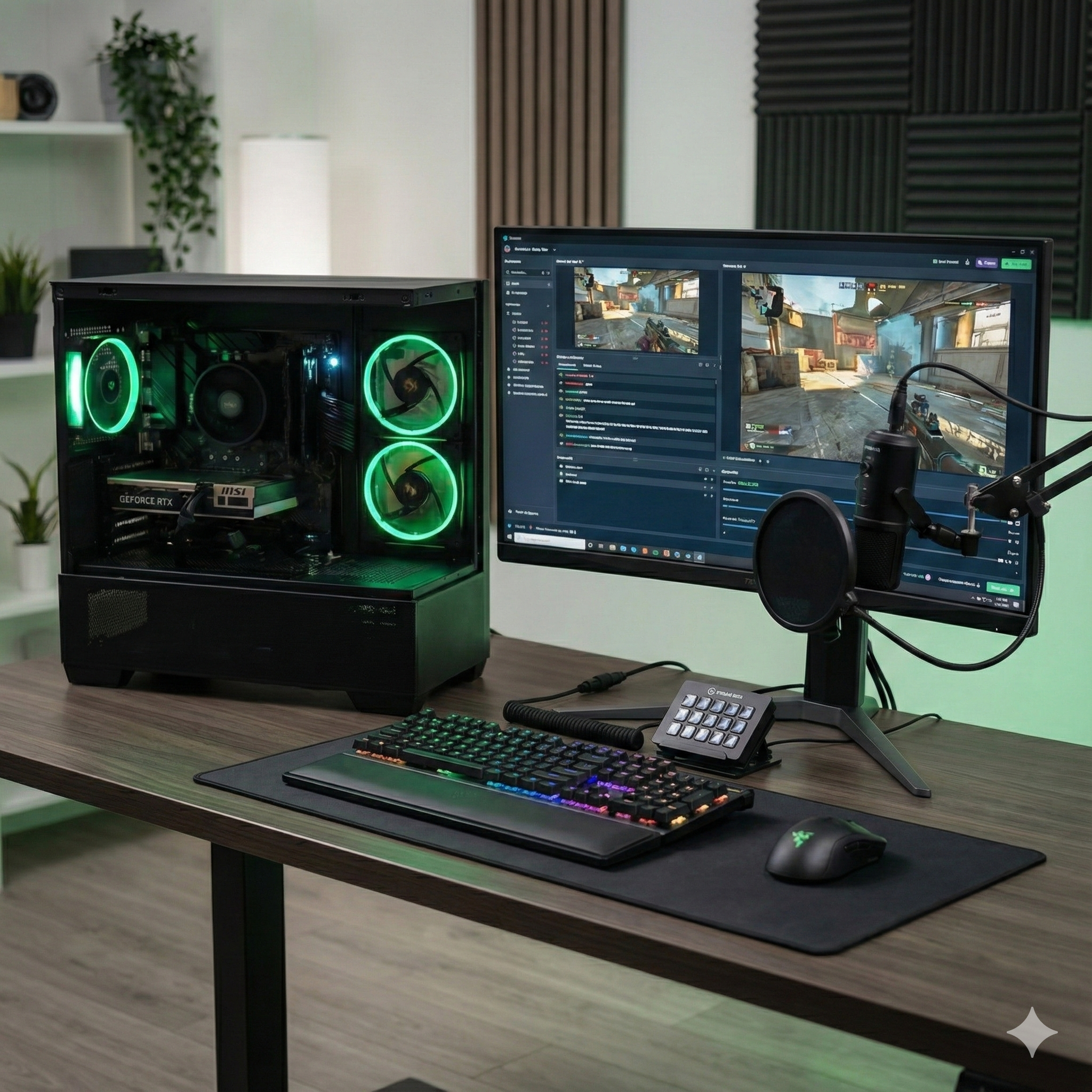
When you buy a Project Chimera PC, you’re not just buying a pile of parts that have been bolted together. You’re buying engineering, stability, and a level of quality control that goes far deeper than the industry standard.
In this article, I’m taking you behind the scenes of a real customer build — from first screw to final signature — to show you exactly what happens to a PROJECT CHIMERA system before it leaves the workshop.
This particular build is based around an AMD Ryzen 5 5600 and NVIDIA GeForce RTX 5060 8GB, and it successfully passed every stage of the Project Chimera QC Suite.
The Build: Specification Overview
The brief for this customer was clear: a responsive, modern gaming PC focused on smooth 1080p performance and a solid upgrade path.
- CPU: AMD Ryzen 5 5600 (6 cores / 12 threads, up to 4.4GHz)
- GPU: NVIDIA GeForce RTX 5060 8GB
- Motherboard: ASUS TUF Gaming B550M-PLUS WiFi II
- Memory: 16GB (2×8GB) ADATA XPG Gammix D35 DDR4
- Storage (OS): Crucial P310 500GB NVMe SSD
- Storage (Games): Samsung 870 EVO 1TB SSD
- Power Supply: Corsair RM750e (2025) – 80+ Gold
- Case: DeepCool CG380 3F Micro-ATX
On paper it’s a very capable mid-range gaming system. What turns it into a Project Chimera CERTIFIED PC is everything that happens around, during, and especially after the physical build.
The Build Process: From Bench to First Boot
🟡 Pre-Build Inspection
Before a single screw is turned, every component goes through a visual and physical check:
- Correct SKUs and capacities verified against the build sheet
- Packaging inspected, seals intact where applicable
- PCBs checked for damage, cracks or bent components
- CPU socket and pins inspected under good lighting
Only once everything passes this stage does the assembly begin.
🟡 Motherboard Preparation
The motherboard is built up on the bench before it ever sees the inside of the case:
- Ryzen 5 5600 installed and locked into the socket
- High-quality thermal paste applied and cooler mounted with even pressure
- 16GB DDR4 installed in the correct dual-channel slots (A2/B2)
- Crucial P310 NVMe SSD installed in the primary M.2 slot
- BIOS updated to the latest stable revision
- DOCP/XMP enabled for memory stability at the rated speed
🟡 Case & Power Preparation
The DeepCool CG380 case is prepped for clean airflow and cable management: unnecessary brackets are removed, front I/O is pre-routed, and fan layout is confirmed.
The Corsair RM750e is installed with dedicated PCIe power runs for the RTX 5060, ensuring stable delivery under peak load.
🟡 Main Assembly
Once the platform and case are ready, everything comes together:
- Motherboard secured to the micro-ATX standoffs
- 24-pin ATX and 8-pin EPS power cables connected and routed cleanly
- RTX 5060 installed and checked for any GPU sag (none found)
- Samsung 870 EVO 1TB mounted and wired via SATA
- Cables routed behind the motherboard tray to keep airflow unobstructed
The end result: neat cable work, unobstructed front-to-back airflow and a layout that’s easy to service in the future.
🟡 First Boot & OS Setup
The system POSTed cleanly on the first power-on:
- Windows 11 installed on the NVMe boot drive
- Latest chipset, LAN, WiFi, audio and GPU drivers configured
- BIOS settings verified (Resizable BAR, DOCP/XMP, fan curves, PBO behaviour)
At this point, it’s a working PC, but a Project Chimera system doesn’t go near a shipping box until it survives the full QC gauntlet!
The Project Chimera QC Suite
Every single build goes through a seven-stage Quality Control process designed to validate:
- CPU stability under extreme workloads
- Memory integrity and controller behaviour
- GPU thermals, clocks and driver stability
- PSU performance and 12V rail stability
- Case airflow and thermal engineering under combined load
- Real-world gaming performance and smoothness
Here’s how this particular system performed.
QC Results: How This Build Performed
🟡 AIDA64 System Stability Test
Purpose: Push CPU, FPU, cache and memory together to expose thermal or power issues.
Key results:
- Max CPU temperature: 71°C
- No thermal throttling detected
- All-core boost around 4.16GHz
For a Ryzen 5 5600 under this kind of synthetic load, those are excellent numbers and a sign of a very healthy cooling setup.
🟡 Cinebench 2024
Purpose: Validate real-world CPU performance in multi-core and single-core workloads.
- Multi-Core score: 538
- Single-Core score: 88
Both scores sit exactly where a well-cooled Ryzen 5 5600 should be, confirming that the CPU is performing to spec.
🟡 FurMark 1080p
Purpose: Torture-test the GPU for maximum thermal and power load.
- Max GPU temperature: 73°C
- GPU usage: 98%
- Stable clocks between 2386 MHz and 2542 MHz
- No artefacts or driver resets
This confirms both the RTX 5060 cooler and the CG380’s airflow are doing exactly what they should under extreme conditions.
🟡 OCCT CPU (Extreme, AVX2)
Purpose: Deep stability test using heavy AVX2 workloads to find marginal CPU or VRM issues.
- Max CPU temperature: 78.77°C
- CPU package power: 77.75W
- No errors or instability
The CPU remained solid throughout, with no signs of throttling or voltage problems.
🟡 OCCT Memory Test
Purpose: Validate RAM stability and the integrated memory controller under sustained, high-load access.
- Errors: 0
- Physical memory load: 78.8%
- Memory used: 12,852MB
Zero errors tells us the DDR4 kit and memory controller are working together perfectly at their configured settings.
🟡 OCCT Power Test (CPU + GPU + PSU)
Purpose: Simulate a worst-case power scenario and watch how the system behaves.
- Max CPU temperature: 86°C
- Max GPU temperature: 75.11°C
- 12V minimum voltage: 12.076V
- No shutdowns, warnings or instability
The 12V rail stayed rock solid and both CPU and GPU remained within safe thermal limits, confirming the PSU and overall power delivery are more than up to the job.
🟡 Unigine Superposition (1080p Extreme)
Purpose: Real-world, game-style GPU workload.
- Min FPS: 45.75
- Avg FPS: 58.67
- Max FPS: 74.92
- Max GPU temperature: 73°C
The benchmark ran smoothly with no artefacts, no driver crashes and very healthy frame times — exactly what you want to see from a modern 1080p gaming system.
Final Verdict: A Fully FORGED, Fully Certified System
This Ryzen 5 / RTX 5060 build passed every stage of the Project Chimera FORGED QC Suite:
- No overheating
- No throttling
- No memory errors
- No PSU voltage issues
- No GPU artefacts or driver faults
- Performance exactly where it should be
The end result is a system I’m happy to sign off, certify, and send to its new owner knowing that it has already survived far more punishment in the workshop than it’s likely to see in day-to-day use.
Why This Level of QC Matters
Most builders will power a system on, maybe run a quick benchmark, and call it done. At Project Chimera, that’s just the start.
Every PROJECT CHIMERA PC is treated like a long-term investment, not a disposable gadget: it’s built carefully, tested aggressively and only leaves the bench when it has earned its QC certificate.
If you’d like your next PC built with this level of attention to detail and validation, or you want to talk through a custom spec of your own, you’re always welcome to get in touch.