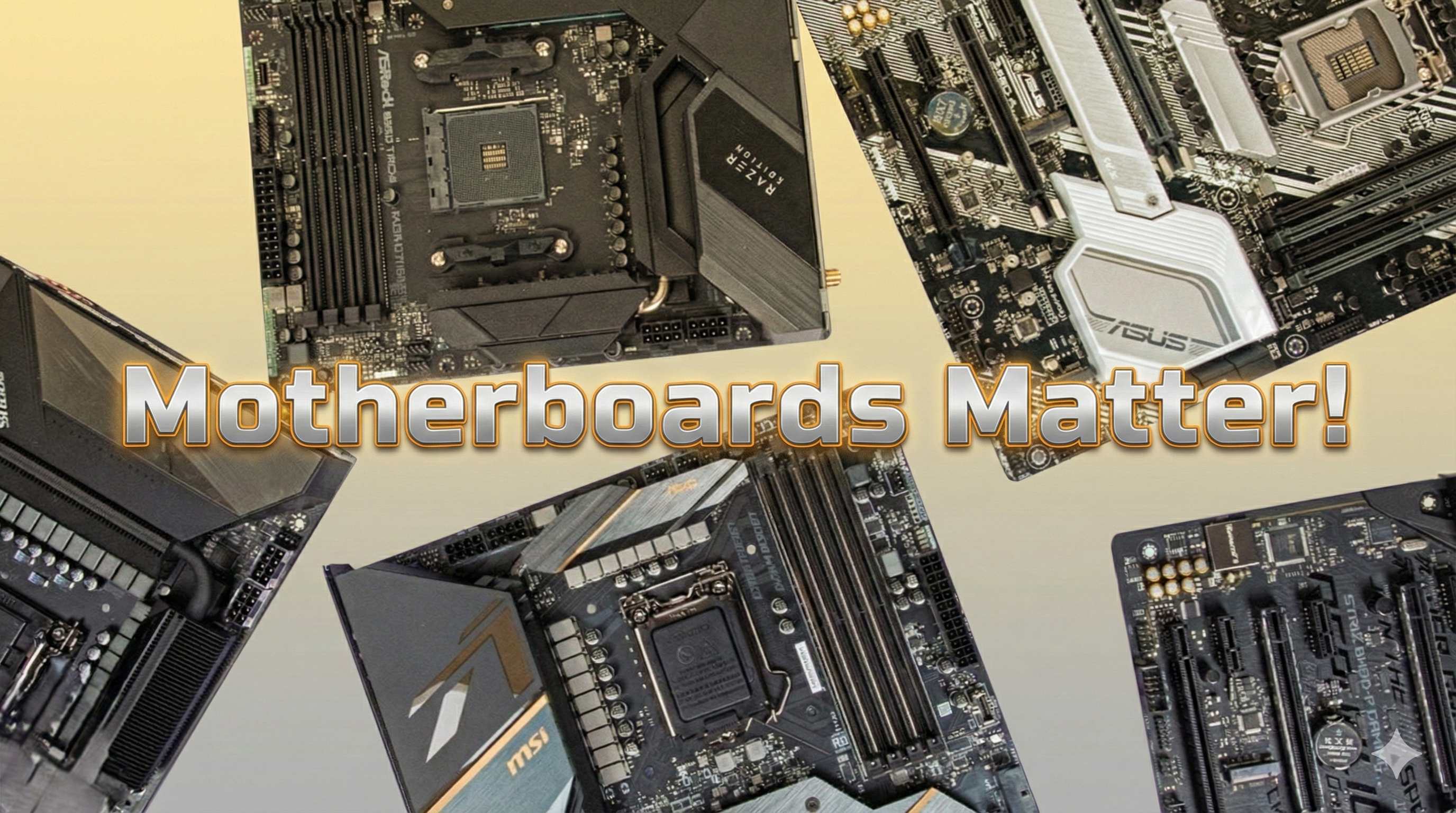
When most people plan a gaming PC, the thinking usually starts with two numbers: CPU and GPU. “How much frame rate can I get for my budget?”
Nothing wrong with that – but if you only obsess over CPU and GPU, you’re missing the part that quietly controls how well everything actually works together: the motherboard.
For me, the motherboard is the nervous system of the PC. It doesn’t just hold parts in place. It links your processor, memory, graphics card, storage, networking and I/O together, decides what’s compatible, and often determines how far you can push your system in future.
That’s why, when I design a build for a customer, the motherboard is the first component I look at, not the last.
What a motherboard really does
On paper, you’ll see the usual bullets: chipset, socket, form factor, PCIe slots, M.2, RAM slots and so on. But under that, the board is responsible for things like:
- Power delivery and stability via the VRM and power stages, feeding clean power to your CPU and other components.
- Memory support – how much RAM you can run, at what speeds, and how reliably.
- Storage and expansion – how many NVMe drives you can add, whether you get PCIe 4.0 or 5.0, and what bandwidth your GPU and add-in cards can actually use.
- Connectivity & quality-of-life – USB-C, 2.5Gb+ networking, Wi-Fi, audio, fan headers, RGB headers and so on.
Modern boards also bring better UEFI/BIOS interfaces, more robust power design and support for new standards like PCIe 5.0 and DDR5, which is why many upgrade guides treat the motherboard as the starting point for a modern platform, not an afterthought.
Why I start every design with the motherboard
When I’m speccing a build, I start with questions like:
- Which platform and socket make sense for the next 3–5 years?
- How much headroom do we want for future CPU and GPU upgrades?
- Do they need multiple NVMe drives now or later?
- Are they streaming, editing or running sim rigs that benefit from better I/O and networking?
Once I’ve answered those, I can narrow down the chipset + motherboard tier, and then pick a CPU and GPU that make sense within that framework. It sounds backwards compared to the usual “CPU/GPU first” mindset, but it stops me building powerful systems on a weak foundation.
What I look for in a “good” motherboard
1. Socket, chipset & lifespan
This is the boring-but-vital part: you want a board that supports the CPU you’re buying and gives you a sensible upgrade path. The socket determines what CPUs physically fit, while the chipset decides what features and future standards you get access to.
Sometimes that means choosing a slightly cheaper CPU now on a stronger platform, rather than maxing the CPU on a dead-end socket just because it looks good today.
2. VRM & power delivery
You don’t need to be an overclocker to care about VRMs. A motherboard with a decent VRM design and sensible heatsinks keeps CPU power delivery stable under sustained load, avoids the VRM running hot and throttling, and helps higher-end chips run the way they’re supposed to.
A lot of “why does my expensive CPU run worse than reviews?” stories come down to a budget board trying to feed a big chip.
3. RAM support & layout
RAM isn’t just about the number of slots. I care about maximum capacity, realistic speed support and how stable higher speeds are on a specific board/BIOS combo. If I know a customer will want 64GB or 96GB down the line, or they care about higher DDR5 speeds for certain workloads, that heavily steers my board choice.
4. Storage & PCIe layout
On spec sheets, “3× M.2” or “PCIe 5.0 ready” looks impressive. In the real world, I look at how many M.2 slots run at PCIe 4.0/5.0 versus being chipset-limited, whether populating extra drives steals lanes from the GPU, and how many SATA ports are left once everything’s populated.
For many people, “one fast OS/game drive plus a big library drive” is perfect. For creators and sim enthusiasts with huge scenery libraries, the board’s storage layout suddenly matters a lot.
5. Connectivity, networking & I/O
This is the everyday comfort side of the build: rear I/O, USB-C, high-speed USB, at least 2.5GbE networking, Wi-Fi if needed, and enough internal headers for fans and any lighting you want. These are the details that make the system feel premium rather than constantly short on ports.
6. BIOS & vendor maturity
A good board isn’t just hardware; it’s firmware. I pay close attention to how clean and reliable the UEFI is, how often BIOS updates arrive, and how well the board behaves with common CPU and RAM combinations in the real world.
Why I think the motherboard is worth spending on
I’m not saying everyone needs a flagship board covered in armour and RGB. But I’d almost always rather spend a little less on the GPU and make sure the motherboard is solid, modern and has the features and headroom we actually need.
A good motherboard makes upgrades easier and cheaper later, lets your CPU and RAM perform properly, gives you room to add storage and expansion cards and helps the whole system run cooler and more reliably over time.
Wrapping up
So that’s why, when I sit down to design a build, I don’t start with “Which GPU can I squeeze in?”. I start with:
“What motherboard makes sense for this person’s platform, budget and future?”
From there, everything else falls into place.
In future posts, I’ll go deeper on specific motherboard examples, AM5 versus Intel platforms, and how I approach board choice for different use cases — from sim rigs to budget gaming builds. If you’re thinking about a new PC and want help choosing the right platform and board, feel free to reach out via the Enquire page and we can design something around your needs, not just what’s on sale this week.